What Is the Remove Clothes with AI Tool?
RemoveClothes.pro is an AI photo editor designed for one focused task: removing visible clothes from a photo. Upload an authorized image and the model generates a new edited result based on the pose, lighting, proportions, and composition it can see.
The result is a non-explicit AI-created interpretation with opaque coverage, not a factual reconstruction or a reveal of details hidden by the original clothing. Use it for authorized creative photo editing and review the complete image before downloading or sharing it.
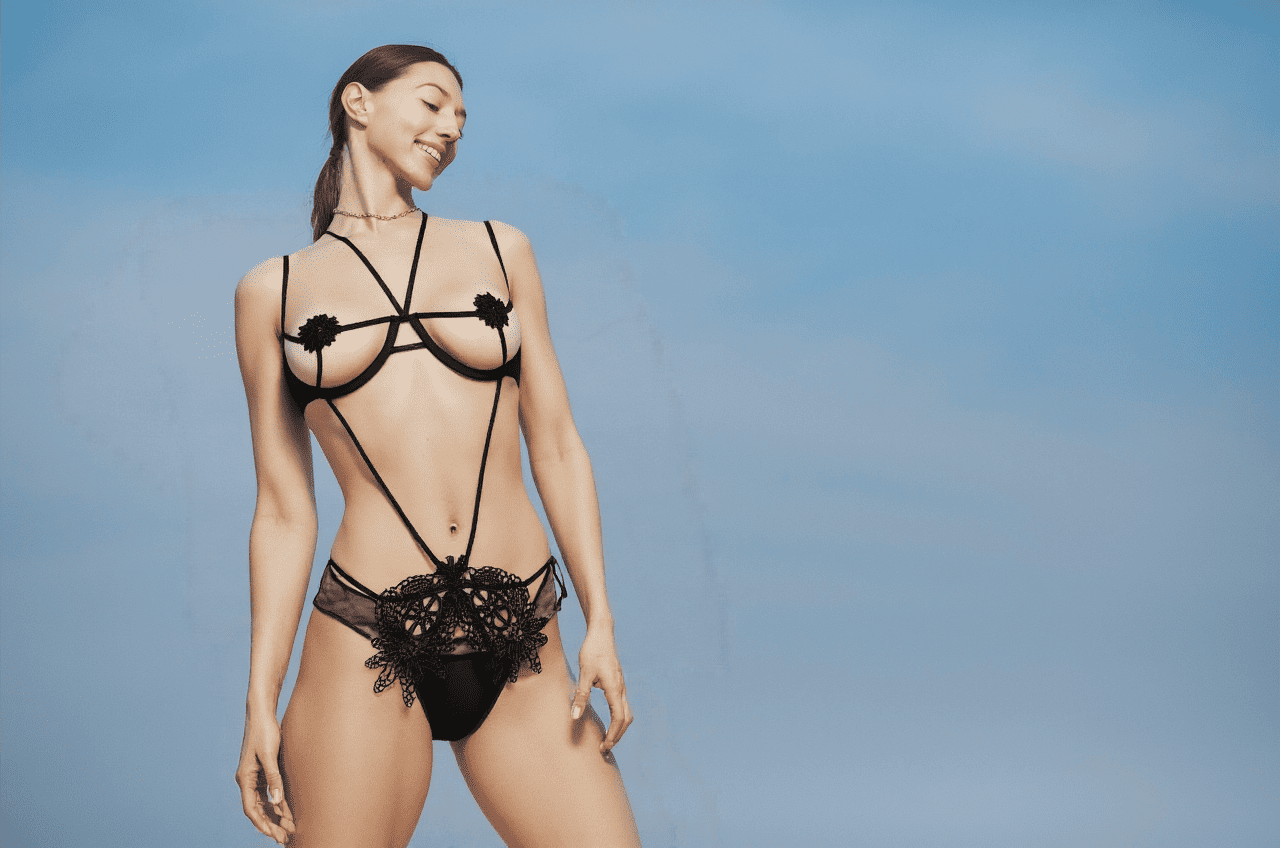 BeforeAfter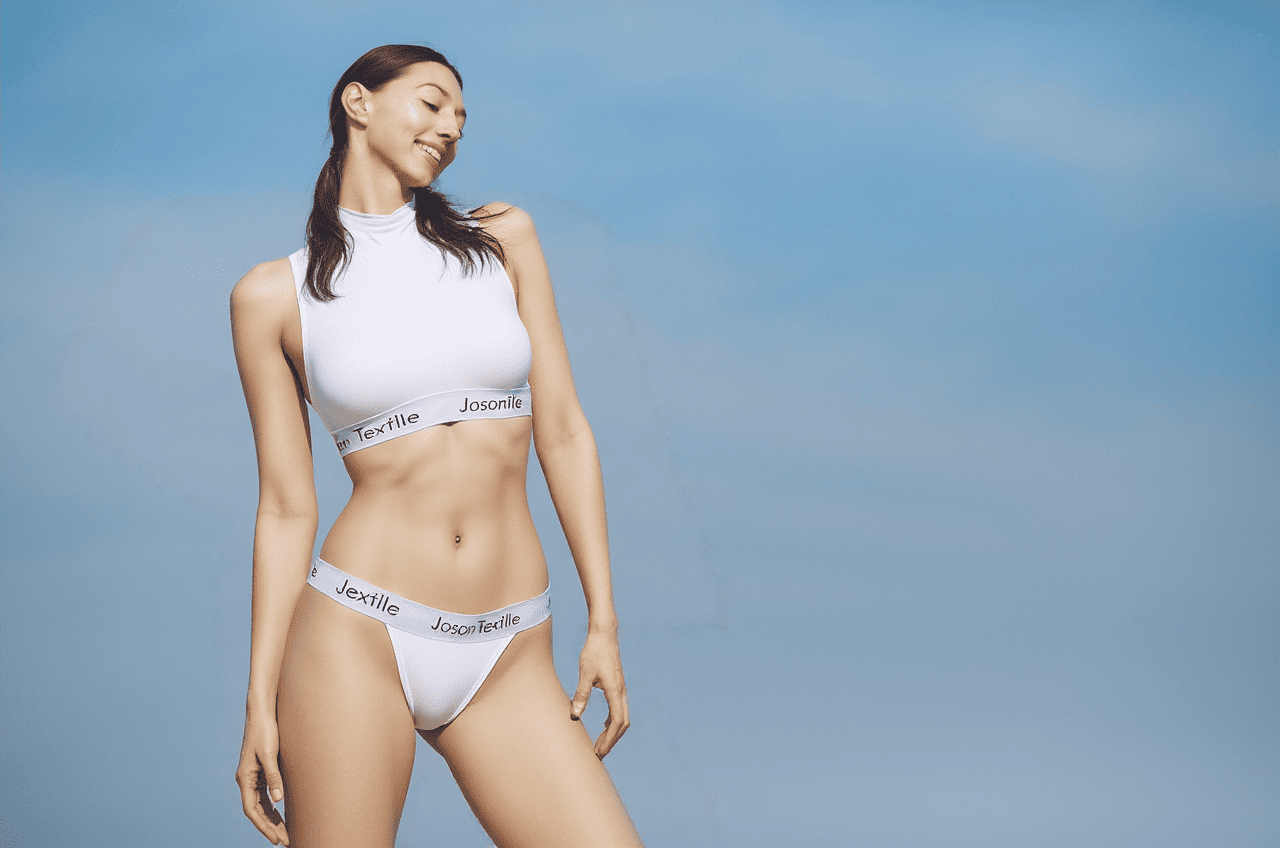
How to Remove Clothes from a Photo
1. Upload a clear photo
Choose your own photo or an image you have permission to edit. A single person, even lighting, a visible outfit, and a simple background give the model useful context. JPG, PNG, and WebP files up to the limit shown in the uploader are supported.
2. Confirm permission and create the edit
Make sure you have the right to use the image. The model then analyzes the visible clothing, pose, lighting, and scene before generating the edited image.
3. Review and download the result
Inspect the face, hands, hair, body contours, edited areas, and background. AI edits can change small details or introduce artifacts. If the result is inaccurate, use a clearer source photo rather than assuming another generation will be identical.
What Does This AI Clothes Remover Actually Create?
This tool performs generative image editing. It removes the original clothing from the visual composition and generates new pixels for the edited area. It cannot reconstruct details that are not present in the source image.
The model aims to keep the face, identity, pose, skin tone, lighting, camera angle, natural proportions, and background recognizable. These are goals rather than guarantees. Generative editing predicts new pixels, so accessories, hair, fingers, fabric edges, or body contours can occasionally change.
How to Get Better Clothes-Removal Results
Source-photo quality matters more than complicated prompt writing. The editor uses a fixed instruction, so your most useful choice is a readable, authorized image. For a more consistent clothes-removal and replacement edit:
- Use one clearly visible person rather than a group photo.
- Choose a front-facing or modest three-quarter pose.
- Prefer soft, even light and a sharp original image.
- Avoid crossed arms, heavy shadows, motion blur, and busy reflections.
- Keep the relevant outfit and body area inside the frame.
- Crop private documents, addresses, and unrelated bystanders.
Loose clothing, covered torsos, extreme camera angles, low-resolution screenshots, or multiple overlapping people require the AI to invent more detail and may reduce consistency. Read our photo-selection guide for more practical advice.
Remove Clothes AI Guides and Troubleshooting
Use these focused guides to choose a better input, understand the editing method, compare related tools, and diagnose an unnatural result.
Permission and Responsible AI Outfit Editing
Clothing and body-related photo edits require a higher standard of permission. You may edit your own photo or a photo of another person who gave informed, specific consent. Public availability is not consent. Do not upload celebrities, public figures, former partners, coworkers, acquaintances, or strangers without their direct permission.
Use only lawful, appropriate images that you own or have clear permission to edit. Never use an AI clothes changer to embarrass, harass, threaten, impersonate, blackmail, exploit, or mislead another person. When a shared image could cause confusion, label it as AI-edited.
An uploaded image must be transferred to the services involved in creating the result. RemoveClothes.pro does not create a public results gallery. Our Privacy Policy explains the current provider, processing path, retention requests, technical records, and deletion options. Do not upload highly sensitive images or material you are not authorized to use.
AI Clothes Remover vs. Traditional Photo Editing
A traditional photo editor usually requires manual masking, compositing, color matching, and retouching. This AI clothing editor automates much of that process by generating a new outfit that attempts to follow the existing pose and light. The tradeoff is control: manual editing can be more precise, while generative AI is easier to try but may introduce unexpected details.
RemoveClothes.pro is best understood as a focused AI clothes remover, not a precision retouching system or a tool that reveals hidden source-image information. A generated image is a visual interpretation and may change anatomy, edges, lighting, or other details.
AI Clothes Remover FAQ
What does the Remove Clothes with AI tool do?
It removes visible clothes from the photo and generates new pixels for the edited area while trying to preserve the face, pose, proportions, lighting, and background.
What kind of result does the tool create?
It creates a non-explicit synthetic AI-edited image with opaque coverage. The result is generated from the visible photo and is not a reconstruction of anything hidden in the original image.
Can I remove clothes from another person's photo?
Only when that person has explicitly agreed to this specific edit. Access to a public or private photo does not by itself give you permission to alter it.
Are there limits on which photos can be used?
Yes. Use only lawful, appropriate images that you own or have clear permission to edit. Unsafe, exploitative, or prohibited material is rejected.
Is the result a real reconstruction?
No. The AI creates a synthetic outfit interpretation from visible information. It cannot reconstruct details that are not present in the source image.
What kind of photo works best?
A clear, well-lit photo showing one person with a visible outfit and limited obstruction usually gives the model better visual information. Results vary between images.
Will the face and background stay the same?
The editor attempts to preserve the face, pose, lighting, and background, but generative AI can alter small details. Review every result before downloading or sharing it.
How are uploaded photos handled?
The photo is transferred to the AI services needed to create the edit. The application does not publish a public gallery. Read the Privacy Policy for the current provider, retention, and deletion details.
Try the AI Clothes Remover
Upload a photo you have permission to edit and remove visible clothes with a fast, focused AI workflow.
Upload a photo